You finished the job. The customer shook your hand, said you saved their weekend, and promised to leave you a great review. That was three weeks ago. Nothing showed up.
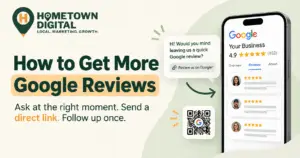
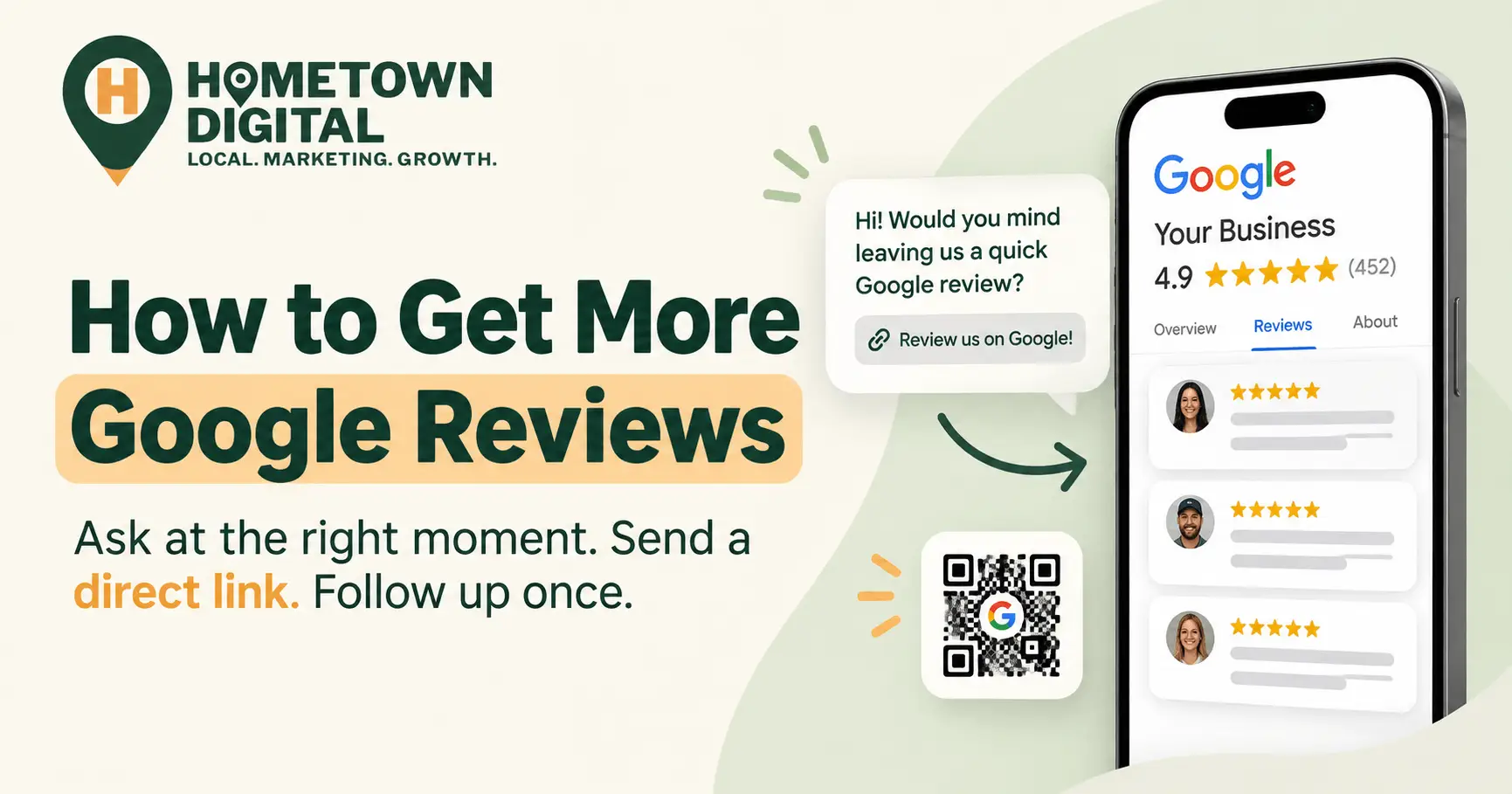
Here’s the short answer to how to get more Google reviews without begging or paying for them: ask every customer, at the moment they’re happiest, with a direct link that opens the review form, and send one polite follow-up. That’s the whole system. The rest of this guide covers how to set it up so it runs on its own, what to actually say, and which shortcuts will get your reviews deleted in 2026.
Why aren’t happy customers leaving Google reviews?
Most happy customers don’t leave Google reviews because nobody asked them at the right moment, and the ones who meant to simply forgot. It’s rarely about the quality of the work. BrightLocal’s 2026 Local Consumer Review Survey found 94% of consumers are open to writing a review, but only 69% actually wrote one in the past year.
That gap is your opportunity. And it matters more than most owners realize, because reviews feed directly into whether you show up on Google Maps at all. (We cover the bigger ranking picture in our complete guide to local SEO for small businesses.)
Honestly, we get why it slips. We’ve been in the trades ourselves, and at the end of a long job, asking for a review is the last thing on your mind. That’s why it has to be a system instead of a memory test.
How do you get more Google reviews without begging?
You get more Google reviews by turning the ask into a routine instead of a favor. Every customer gets the same request, at the same point in the job, through the same channel, with a one-tap link. When asking is automatic, it stops feeling like begging to you, and it stops feeling like a sales pitch to the customer.
The data backs this up. In BrightLocal’s 2026 survey, 78% of consumers were asked to leave a review in the past year, and 83% of the people who were asked followed through. Asking works. Most local businesses just don’t do it consistently.
Here’s the system we set up for clients:
- Pick one review moment for your business, the point where customers are happiest.
- Get your direct Google review link and QR code.
- Send the request within a few hours of that moment, by text or email.
- Follow up once, three to five days later. Then stop.
- Reply to every review that comes in, good or bad.
None of these steps require a sales pitch. None of them involve a discount code either.
When is the best time to ask for a Google review?
The best time to ask for a Google review is right after the customer feels the result of your work, usually within a few hours. For a plumber, that’s when the water is running again. For a salon, it’s when the client sees the finished cut in the mirror. Wait a week and that feeling fades.
| Business type | Best review moment | Best channel |
|---|---|---|
| Plumbing and HVAC | Right after the system is working again and the invoice is paid | Text within 2 hours |
| Roofing and remodeling | After the final walkthrough, once the client has seen the finished job | Email the same day, text follow-up |
| Landscaping and lawn care | After a big install, or the first visit of the season | Text with a photo of the finished work |
| Restaurants and cafes | After the meal, never in the middle of it | QR code on the receipt or table card |
| Salons and barbershops | At checkout, or that evening through the booking app | Booking app text or email |
| Dental and chiropractic | After a visit that went smoothly | Automated email or text from the patient system |
Notice what’s missing from that table: asking someone to write the review on the spot while you stand there. Google’s policy now says businesses shouldn’t require or pressure customers to leave reviews while they’re on the premises. A QR code on the counter is fine. Handing a customer your phone and waiting is not.
Where do you find your Google review link?
Your Google review link lives inside your Google Business Profile. Search your business name on Google while signed in to the account that manages the profile, select Read reviews, then Get more reviews. Google gives you a short link and a downloadable QR code, and both open the review form directly.
That one link is the most important tool in this whole guide. Without it, you’re asking a customer to search for your business, find the right listing, scroll to the reviews, and figure out where to tap. Most won’t bother. With it, they tap once and start typing.
Put the link everywhere a customer already looks:
- Your text and email review requests
- Paid invoices and receipts
- Your email signature
- A small printed card left behind after a service call
- A QR code at your front counter or on the back of your business card
One practical note: right now the QR code can only be generated from a desktop browser, so grab it from a computer. And if the profile itself needs work first, start with our Google Business Profile optimization guide. Sending customers to a half-finished profile is a bit like inviting people over before you’ve picked up the living room.
What should a Google review request actually say?
A good Google review request is short, personal, and neutral. Thank the customer by name, mention the specific job, ask whether they’d be willing to share their experience on Google, and include the link. Don’t suggest a star rating, don’t tell them what to write, and don’t let it read like a form letter.
It also helps to tell people the review can be short. In BrightLocal’s 2026 survey, a long, detailed review ranked dead last among the things consumers care about. A sentence or two from a real customer does the job.
A text message request
Hi Maria, it’s Dave from Riverside Plumbing. Thanks for having us out today. If you have a minute, would you share how it went on Google? It really helps a small shop like ours. [review link]
An email request
Subject: How did we do today?
Hi Maria, thanks again for choosing Riverside Plumbing for your water heater replacement. We hope everything is running the way it should. If you’re willing, we’d appreciate you sharing your honest experience on Google. It takes about a minute: [review link]. And if anything isn’t right, just reply to this email and we’ll fix it. Thanks, Dave
That last line is fine, by the way, as long as every customer gets the same Google link in the same message. What crosses the line is sending unhappy customers to a private form instead of Google.
The one follow-up
Hi Maria, just a quick follow-up in case yesterday got busy. If you’d like to leave a Google review, here’s the link: [review link]. Either way, thanks for trusting us with the job.
One follow-up. That’s it. A second or third reminder is where asking turns into begging, and nobody wants a business blowing up their phone.
What’s off-limits when you ask for Google reviews in 2026?
In 2026, Google prohibits offering any incentive for a review, asking only happy customers, pressuring customers to review while they’re on your premises, setting staff review quotas, and asking customers to include specific content like keywords or an employee’s name. Separately, the FTC bans fake reviews and paying for reviews that express a particular sentiment.
Here’s the short list of what to avoid:
- Incentives of any kind. Discounts, gift cards, free services, and contest entries are all out. Google also bans offering anything to get a negative review changed or removed.
- Review gating. Sending a “how did we do?” survey first and only passing happy customers along to Google.
- On-premises pressure. Requiring or pushing a customer to post a review before they leave your shop or job site.
- Staff quotas. Telling employees to collect a set number of reviews.
- Scripted content. Asking customers to mention a service, a city, a keyword, or a technician by name.
That last one surprises a lot of owners, because asking customers to mention the service and the town was standard local SEO advice for years. Google’s Maps content policy now explicitly tells businesses not to request specific content in reviews, including content that names a staff member. So we’ve stopped recommending it.
On the federal side, the FTC’s rule on consumer reviews and testimonials (16 CFR Part 465) took effect in October 2024 and lets the agency seek civil penalties of more than $50,000 per violation. And according to BrightLocal, 11% of consumers were still offered an incentive to write a positive review in the past year. Don’t be part of that 11%. For a deeper look at where the lines sit, read our guide on how to get more customer reviews without breaking Google’s rules.
Should you reply to every Google review?
Yes. Replying to every Google review, positive and negative, shows future customers that a real person runs the business and is paying attention. BrightLocal’s 2026 survey found 89% of consumers expect businesses to respond to reviews, and 80% are more likely to use a business that responds to all of them.
The catch is that lazy replies backfire. Half of the consumers in that same survey said templated, generic responses make them unlikely to choose a business. A reply doesn’t need to be long. Use the customer’s first name, mention the job, and say thanks like you mean it.
Negative reviews take more care, so we’ve written scripts for responding to negative reviews for exactly that situation.
How many Google reviews do you need, and how often?
Aim to get past 20 Google reviews as quickly as you honestly can, then keep new ones arriving every month. BrightLocal found 47% of consumers won’t use a business with fewer than 20 reviews, and 74% only pay attention to reviews from the last three months. A steady trickle beats a big burst.
The star bar keeps rising too. In the same 2026 survey, 68% of consumers said they’ll only use a business with four stars or more, up from 55% the year before.
Recency matters to Google as well. In Whitespark’s 2026 Local Search Ranking Factors survey, local SEO practitioners estimated that review signals make up about 20% of what decides the Google Maps local pack, up from 16% in the 2023 edition. That category covers how many reviews you have, how recent they are, and how steadily they arrive. If you’re trying to get into the Google Maps 3-Pack, a review system is one of the few ranking factors you fully control.
But don’t chase 50 reviews in a single week. Google’s policy treats unusual volumes or patterns of reviews as a possible sign of rating manipulation. A shop that jumps from 12 reviews to 60 in a month looks odd to a filter, even when every review is real. Steady and a little boring wins here.
What does a review system look like for a real local business?
Picture a two-truck plumbing company with 14 Google reviews, most of them two years old. The owner knows his customers are happy. He just never asks. Here’s what fixing that looks like in practice, without buying any software unless he wants to.
First, he pulls the review link from his Google Business Profile and saves it as a text shortcut on both techs’ phones. Then he changes one habit. When a tech collects payment and the water is running, the tech says something like, “We’ll send you a quick text later. If you’ve got a minute, we’d really appreciate a Google review.” No pressure, and no phone handed across the counter.
Two hours later, the office sends the text script above. Three days later, anyone who hasn’t reviewed gets one follow-up. Every review that comes in gets a personal reply within a day.
If that shop runs 15 jobs a week and about a third of customers follow through, that’s roughly 20 new reviews a month. Within a couple of months, the profile goes from looking abandoned to looking like a busy, trusted shop. (Your rate will vary by trade. The math still works once asking is automatic.)
To make it hands-off, field service software like Jobber or Housecall Pro, or a review tool like NiceJob, can send the request when a job is marked complete. Just make sure it sends every customer to Google, not only the ones who scored you well on a survey. This is the same Google Business Profile and reputation management work we set up for local businesses at Hometown Digital.
Common Questions About Getting More Google Reviews
Can I offer a discount or gift card for a Google review?
No. Google prohibits offering any incentive, including discounts, free services, or gift cards, in exchange for a review, even if you don’t ask for a positive one. Reviews tied to incentives can be removed, and repeated violations can lead to restrictions on your Business Profile.
Is it okay to ask for a Google review in person?
Yes. You can mention it in person, hand over a card, or point to a QR code at the counter. What Google doesn’t allow is requiring or pressuring a customer to write the review while they’re still at your location. Mention it, then let them do it on their own time.
Can I ask customers to mention my services or city in their review?
No. Google’s Maps content policy says businesses shouldn’t ask customers to include specific content in reviews, and that covers keywords, service names, locations, and employee names. Ask for their honest experience and let them write it in their own words.
How long does it take to get more Google reviews?
If you start asking every customer, you’ll usually see new reviews within days. Getting from a handful to 20 or more typically takes one to three months, depending on how many customers you serve each week. Consistency matters more than speed.
Why did some of my Google reviews disappear?
Google’s automated filters remove reviews they flag as fake, incentivized, or suspicious, including reviews that arrive in an unusual burst. Legitimate reviews sometimes get caught too. If you’re following the rules, keep asking at a steady pace, which is far less likely to trip a filter than a sudden spike.
Ready to Get More Google Reviews?
Want to see where you actually stand in local search? Grab a free website audit. We’ll review your Google presence, your reviews, and your site, and tell you exactly what’s keeping you off the first page.